
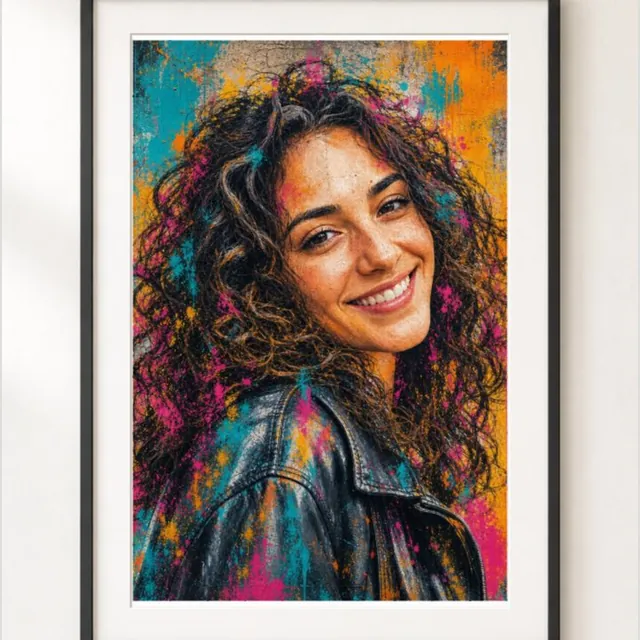
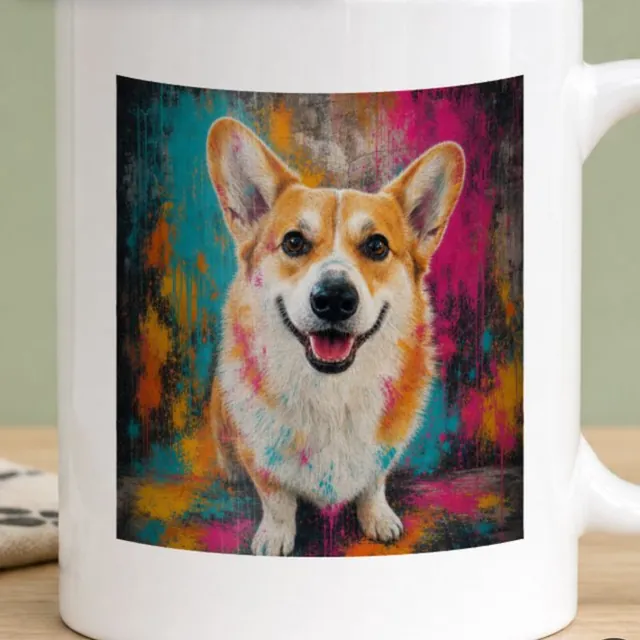
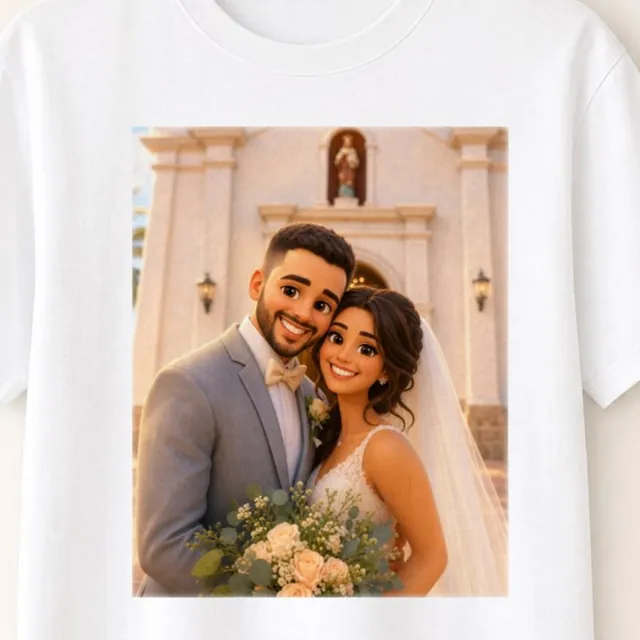
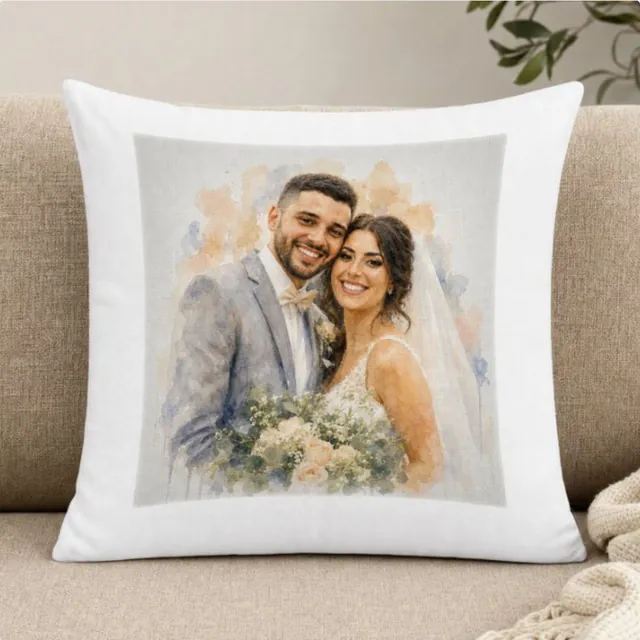
One photoEvery product
Sell one-of-a-kind gifts
Turn the products you already sell into personal gifts.
- Portraits, couples, pets and families
- Price the personalized version above the plain one
- For birthdays, weddings and holidays
The photo-to-art app for Shopify
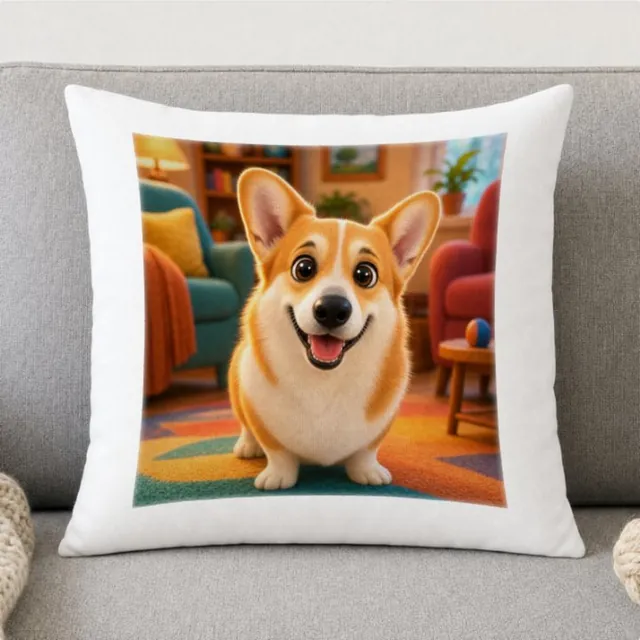
They upload a photo, see it as art in your style on your product, and buy. You get a print file with every order.
Turn the products you already sell into personal gifts.
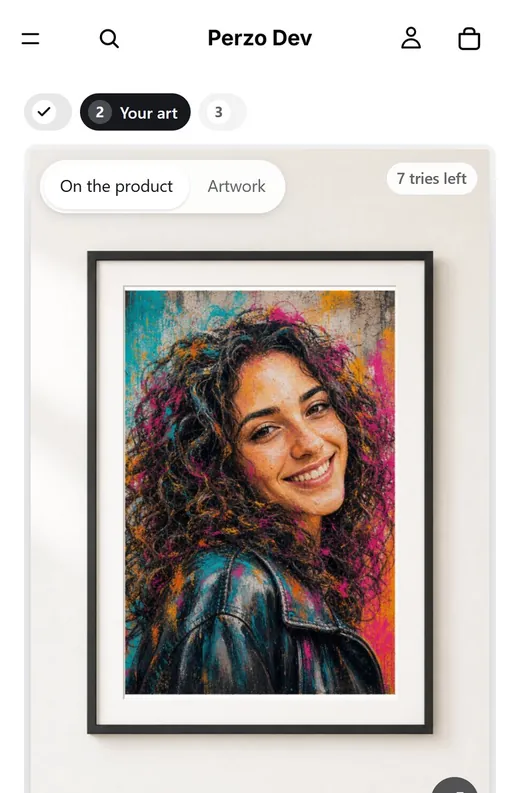
The preview does the selling.
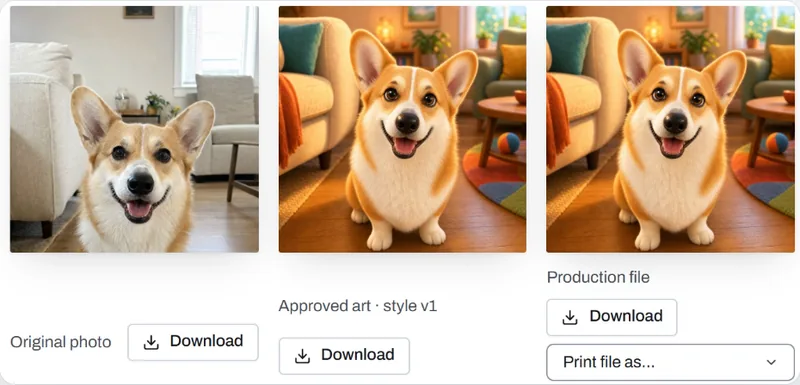
No designer, no proof emails, no manual files.
No designer. No proof emails. No manual print files.
Start from a reference image; Perzo Guide describes the look.
People, couples, pets and keepsakes.
Customers see it before they buy.
What they approve is what you print.
Checked for print size and DPI.
A block in the Shopify theme editor.
Tries per session and a monthly cap.
Customer photos stay private to your store.
Show a reference image, or start from a ready style. Test on sample photos. Publish when it looks right.
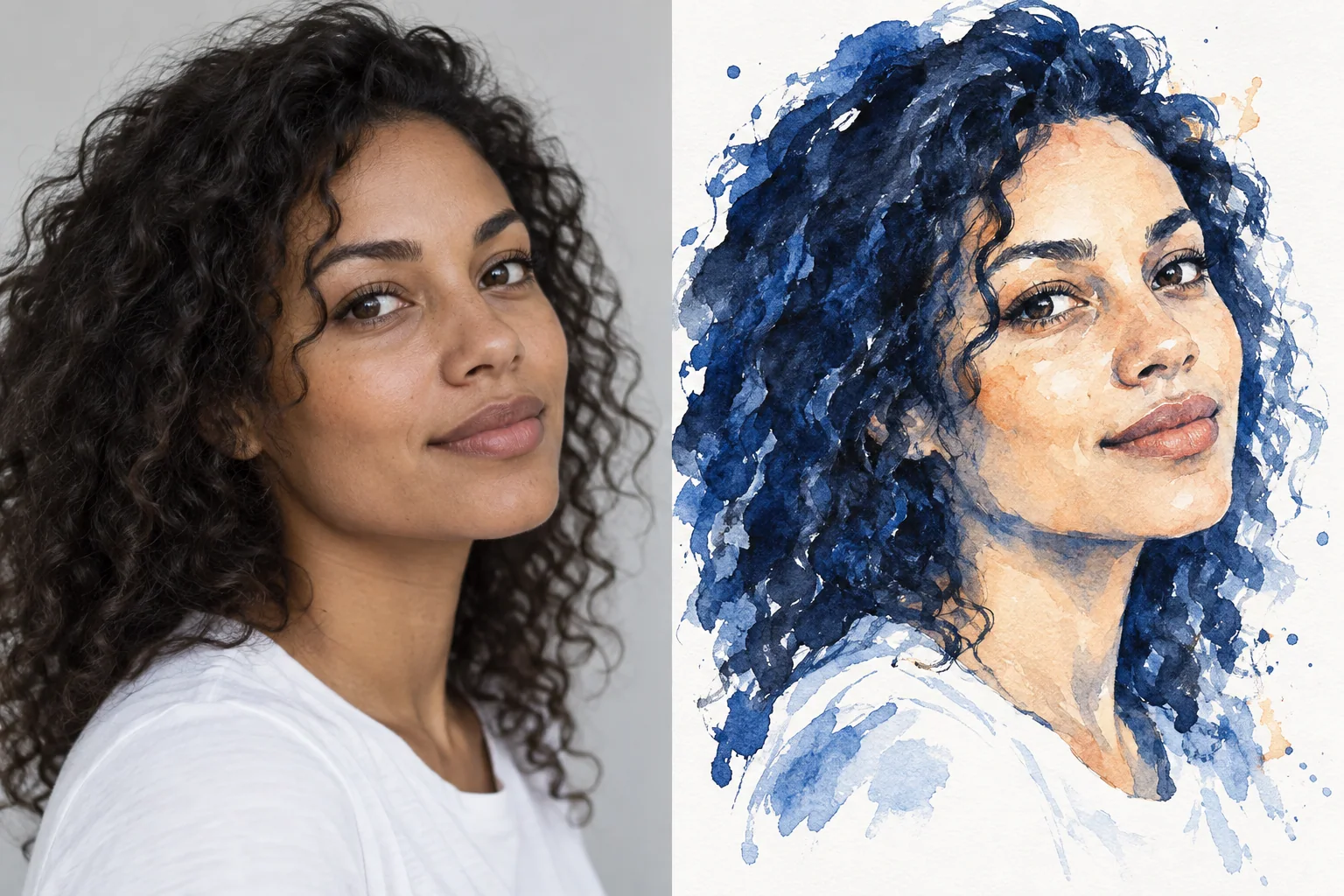
Drag the divider, or focus it and use the arrow keys, to compare photo and art.
No code. Works with Online Store 2.0 themes.
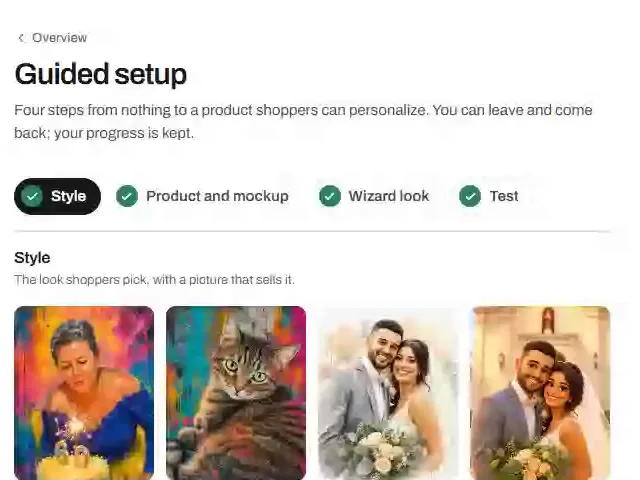
Approve it in your Shopify admin and choose a plan. Every plan starts with a 9-day free trial.
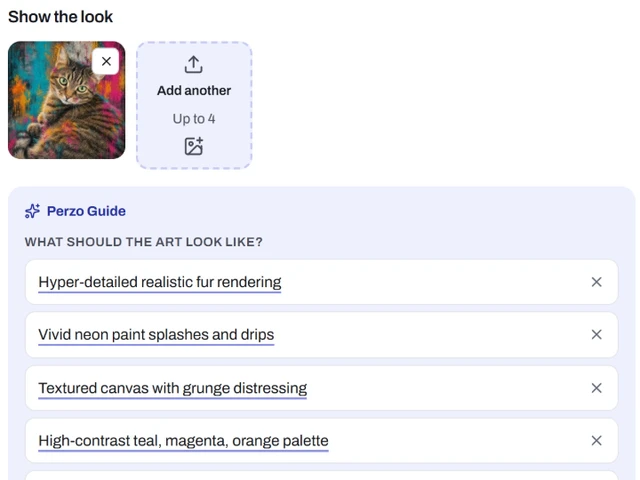
Upload a reference image. Perzo Guide describes the look; test it on sample photos.
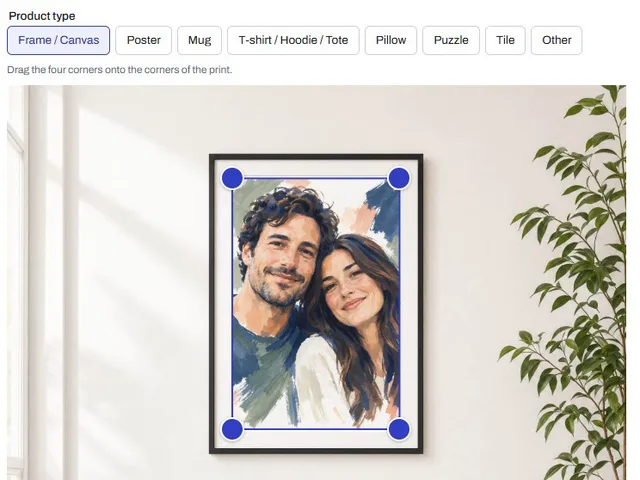
Upload a photo of the blank product and drag four corners onto the print area.
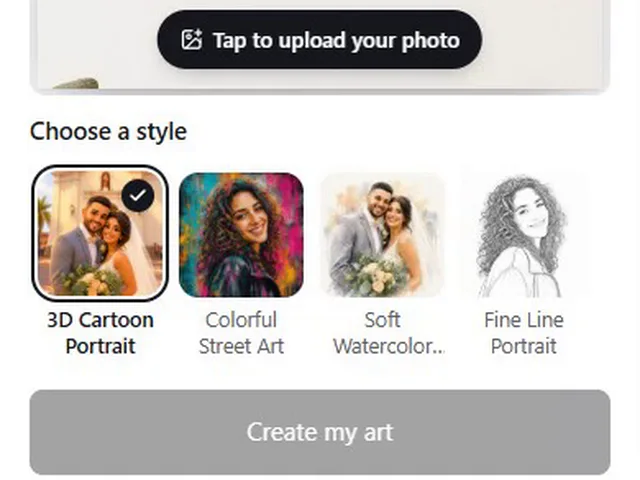
Add the Perzo block to your product page in the theme editor. Shoppers see it on products with a published style.
Per month$19.00
Included generations60
Each additional$0.39
Get startedPer month$49.00
Included generations200
Each additional$0.29
Get startedPer month$99.00
Included generations500
Each additional$0.19
Get startedPer month$299.00
Included generations2,000
Each additional$0.14
Get startedPer monthLet’s talk
Included generations5,000+
Each additionalVolume rate
Contact usPrices are shown in each plan’s currency. Choose a plan when you install Perzo; billing goes through Shopify. Product prices stay under the store’s control.
You publish art styles and set up a mockup for each product. Customers upload a photo on your product page, see it as art on the product and approve one version. The order comes with a print file.
With Online Store 2.0 themes whose product page accepts app blocks, such as Dawn. Older (vintage) themes are not supported yet.
Yes, 9 days on every plan, with a daily limit on generations. After that, a monthly plan with generations included.
No. You create each style once from a reference image (or a ready style), test it on sample photos and publish it. After that, the art is made automatically.
Yes. Download the print file from the order and send it to your printer. Direct print-on-demand integrations are not available yet.
They stay private to your store and are deleted after the retention periods you set. See the privacy policy.